The app
From first shape
to final repeat.
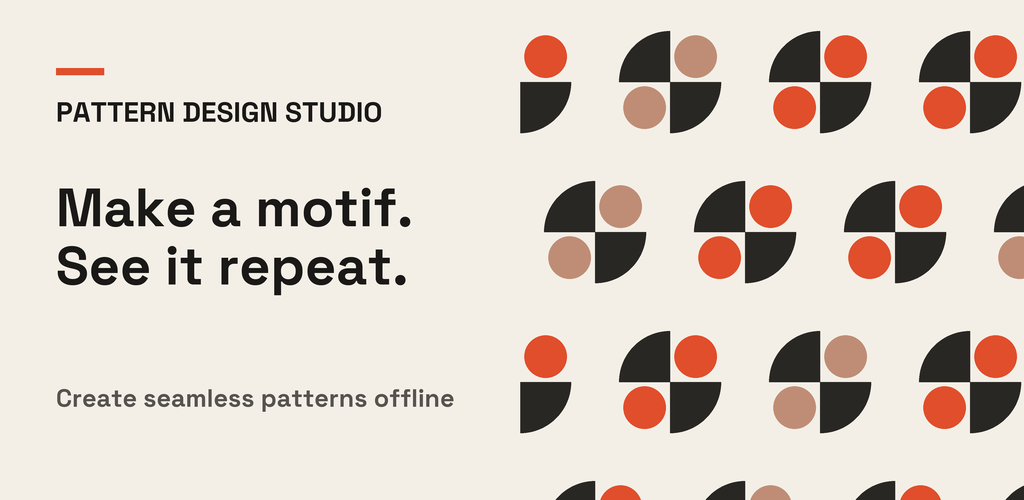
Pattern Design Studio is a focused, offline Android workspace for making original geometric patterns.
The workflow
Make it. Tune it. Take it with you.
Create a foundation
Begin from a blank canvas, built-in template, creative challenge or surprise design.
Build a motif
Arrange geometric shapes, change colours and layers, and adjust size, rotation and symmetry.
Find your repeat
Explore grid, half drop, brick, mirror and alternating layouts. Refine spacing and transforms, then preview the full pattern.
Export your work
Save a pattern image or seamless tile as a PNG with a transparent or coloured background. Share an export using Android’s share sheet.
Explore the idea
Same motif.
Different rhythm.
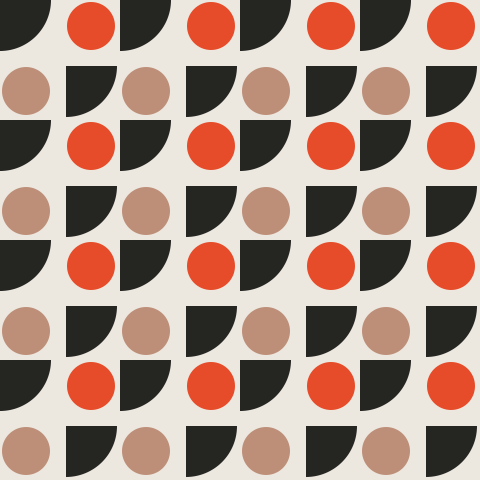
Switch the layout and palette in this illustrative website preview. The Android app gives you the full editing tools.
Live pattern study / 01
Change the repeat
See how a simple group of shapes can feel entirely different with a new arrangement.
Good to know
Questions, answered.
Does the app work offline?
Yes. Pattern Design Studio has no network features or account requirement. Its projects, palettes and settings are stored on your device.
What can I export?
You can export a full pattern image or a seamless tile as a PNG. Choose a transparent or coloured background and a size that suits your project.
Can I use my designs commercially?
Yes. The app’s Terms of Use say patterns you create are yours, and exported images may be used for personal or commercial work.
Where are exported images saved?
PNG exports are saved in your Pictures folder under “Pattern Design Studio.” They remain there until you delete them, including after the app is uninstalled.
Is there a web editor?
This website explains the Android app and includes a small illustrative pattern preview. Pattern creation and export happen in the Android app.
Have a question?
Let’s talk patterns.
For product questions, feedback or support, contact PINION PICTURES LTD.